
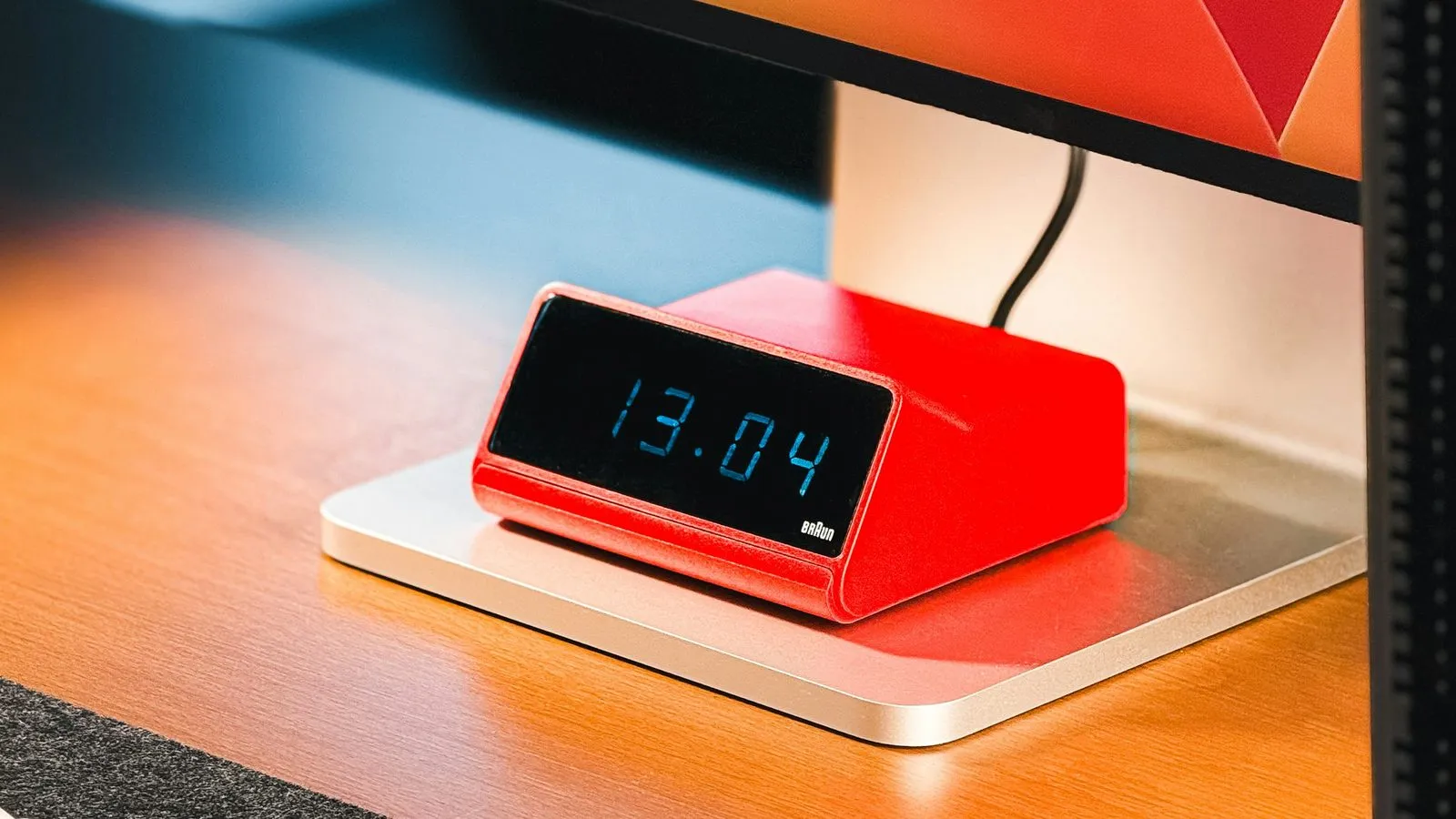
Your 9 a.m. block said ninety minutes for the quarterly review. It is 11:05, you are still in it, and four more blocks are stacked up behind it. Whatever your time blocking app does in the next thirty seconds is the thing you are actually paying it for, and it is the thing almost nobody writes about.
Every app here looks excellent at 8:59. The pages ranking for this phrase compare calendar layout, integrations, and how much of the scheduling the AI takes off your hands. Not one of them says what happens at 11:05, which is where the method either holds up or stops being used.
One disclosure before the table. We make Kudos, a free to-do app, so we have a stake in this category. Kudos sits in the comparison below with the reason it might be the wrong choice spelled out, since a comparison we won in every row would be worth nothing to you.
The overrun is the normal case, not a personal failing
Blocks overrun for a reason that has been measured, repeatedly, for more than thirty years.
Roger Buehler, Dale Griffin and Michael Ross followed psychology students through their honours theses and published the result in the Journal of Personality and Social Psychology in 1994. Asked for their best estimate, the students said 33.9 days. They took 55.5. Only 29.7 percent finished inside their own prediction, and the part that should settle the argument is what happened next: asked for a deliberately pessimistic date, one that assumed everything went as badly as it possibly could, they said 48.6 days and still came in short.
So the ninety minutes in the box was never ninety minutes. Then the day gets at it. Gloria Mark, Victor González and Justin Harris shadowed information workers minute by minute for their 2005 paper on fragmented work and found people spent an average of 11 minutes and 4 seconds on one piece of work before switching or being interrupted. When they picked an interrupted piece of work back up the same day, it took 25 minutes and 26 seconds on average, and in that gap they had worked in 2.26 other areas.
Neither study says your particular Tuesday is doomed. Between them they do say that the estimate runs short and the day arrives anyway, which makes the tidy calendar a set of predictions rather than a schedule. The app's real job starts once a prediction fails.
What a time blocking app can actually do when a block overruns
It rebuilds the rest of your day automatically, or it hands you a structured review of what you missed and makes you decide, or it does nothing at all and leaves you dragging rectangles with your thumb.
That is the whole category. Everything else these apps differ on, and they differ on plenty, you will meet once during setup and then forget, while this one you meet several times a week for as long as the app stays on your phone.
Eight apps, their prices, and their behaviour at 11:05
Every figure below was read on 25 August 2026 from the company's own pricing page or its App Store listing, because prices here move faster than the articles quoting them.
| App | Platforms | Free tier | Paid | What happens when a block overruns |
|---|---|---|---|---|
| Motion | iOS, Android, desktop, web | Not offered | Pro AI $19 per seat a month, annually | Rebuilds itself; past-due work moves to the next slot with an overdue flag |
| Reclaim.ai | Web, Google and Outlook calendars | Lite, free forever, 1 user | Starter $10 per seat a month annually | Reschedules habits and tasks around the conflict on its own |
| FlowSavvy | Web, iOS, Android | Free forever, unlimited auto-reschedules | Pro $10 a month billed yearly | Reschedules automatically, plus a Recalculate button for missed work |
| Sunsama | Web, desktop, mobile | Not offered, 14-day trial | Pro $17 a month billed yearly | Nothing until midnight, when unfinished tasks roll over with a counter |
| Structured | iOS, Android, web, Apple Watch | Whole timeline, no cap | Pro $29.99 a year or $99.99 once | Replan walks you through unfinished tasks, on Apple and on Pro only |
| TickTick | iOS, Android, web, desktop | 9 lists, 99 tasks per list | Premium $49.99 a year | Nothing automatic; version 8.0 added a Suggested Tasks review |
| Google Calendar | Everywhere | Free | Paid Workspace tiers | Nothing. The block stays exactly where you left it |
| Kudos | iOS, Android | Everything, no cap | Not offered | No blocks to overrun; the list is today only |
Prices read on 25 August 2026 from Motion's pricing page, Reclaim's pricing page, FlowSavvy's pricing page, Sunsama's pricing page, Structured's help centre and TickTick's upgrade page.
The apps that rebuild your day without asking
Motion takes the strongest position available: you never place a block at all. You add work with a duration and a deadline, and the scheduler decides where it goes. When your 9 a.m. eats your 11 a.m., Motion moves what it can into the next slot that fits and flags whatever is now past due.
Its own documentation is unusually honest about what that costs. The troubleshooting table in Motion's auto-scheduling reference lists "task keeps moving" as a problem with a suggested fix, and the task states doc explains that a block you dragged and locked yourself will still be rescheduled if you have not finished it within 60 minutes of its slot. Motion has no free plan, and Pro AI is $19 per seat a month on the annual bill.
Reclaim does a narrower version of the same job inside the calendar you already use, and it is pointed at one specific enemy: the meeting that lands on your focus time. Its habit management docs spell out the rule worth knowing. Move one of its events yourself and it locks, so Reclaim stops touching it; accept a meeting on top of it and Reclaim quietly finds it another slot. The Lite plan is free forever for one person with one calendar sync and a one-week scheduling range, which is enough to learn whether automatic recovery suits you before anyone asks for $10 a seat.
FlowSavvy is the smallest company in the table and the only one that gives the recovery away. Its free plan carries unlimited auto-rescheduling, a two-week scheduling range, three repeating auto-scheduled tasks and five lists, on web, iOS and Android. When you have fallen properly behind, the fix it advertises is a single button: press Recalculate and the missed tasks go back into the calendar. Pro is $10 a month billed yearly, and mostly buys range and priorities rather than the thing you came for.
All three carry the same cost. Money is not it. Software that reflows your afternoon also erases the record of what you decided that morning, so you end up reading a plan you did not make, and after a few weeks of that some people stop opening the calendar at all. It is the failure I described in the goal setting app comparison: a screen that keeps making decisions on your behalf becomes a screen you avoid.
The apps that hand you the mess with a process attached
Sunsama does nothing at 11:05, on purpose. Its answer comes at midnight, when every unfinished task rolls to tomorrow, and again at the morning planning ritual, which adds up your planned times and warns you when the day you have just built is longer than the day you have. That warning is the feature. It is the only thing in this comparison that argues with the planning fallacy instead of tidying up after it, and I would pay for it before I paid for any of the schedulers.
Sunsama is also the most expensive answer here at $17 a month billed yearly, with no free plan and a 14-day trial that does not ask for a card. The pricing page disagrees with itself. The plan card quotes $17 billed yearly and $22 monthly, while the FAQ further down that same page says $25 a month and $20 on the yearly plan, so check what the card actually charges you.
Structured is the cheapest paid option and the best-looking. Its recovery feature is Replan, and the help article describes a swipe through yesterday's unfinished tasks where each one is checked off, rescheduled, pushed to the inbox or deleted. Read the small print first. Replan needs Structured Pro, and it does not exist on Android or on the web, which makes the one feature this article cares about an iPhone feature. The free tier does give you the whole drag-and-drop timeline, so you can test the planning for nothing and decide later about $29.99 a year.
TickTick is the app most people in this market already have open, and at $49.99 a year it is the cheapest way to keep tasks and a calendar in one place. Two things about its free plan matter here. Its own upgrade page caps free accounts at 9 lists and 99 tasks per list, and it places multiple calendar views on the Premium side, so the free tier cannot really do time blocking at all. Version 8.0 added Suggested Tasks, a review of unfinished work, listed in the release notes on Apple's listing. Its Pomo timer is on the free side of that paywall, which is why it turns up again in the free pomodoro app comparison.
The best free time blocking app, and where the free tiers stop
If free is the constraint, FlowSavvy wins outright. It is not close. It is the only free plan in the table that includes the recovery behaviour rather than selling it back to you, and the caps it does impose, three repeating auto-scheduled tasks and five lists, are not the ones that bite on a Tuesday.
Structured comes second, with the whole timeline free and Replan withheld. Reclaim's Lite plan is third and is genuinely useful if you live in Google Calendar, though one week of scheduling range is thin. Google Calendar is free and does nothing. TickTick's free tier looks generous and is not, for this purpose, because the calendar views are the paid part, and Motion and Sunsama have no free plan at all.
The counter is the feature, and only two apps have it
Sunsama puts a numbered circle on a task showing how many days running it has rolled over, then archives it once it has rolled long enough that you are clearly not doing it. Structured counts too. Its badge appears once you have rescheduled the same task three times, and the help page adds, drily, that maybe it is time to call your landlord already.
Those two counters are small and unglamorous and better than anything the automated schedulers offer, because after a fortnight of overruns the useful question changes. Not where does this go now. It becomes how many times have I moved this, and am I ever going to do it? An app that silently slides a task into a fresh slot every morning for three weeks is hiding the most informative thing about it.
Time blocking versus a plain to-do list
Google Calendar is still the default. It costs nothing, it is already open, and when a block overruns it does precisely nothing, which a lot of people quietly prefer to being told what their afternoon looks like now.
Kudos is ours and it holds far less than any of these. There are no blocks, no timeline and nothing to reschedule. There is today: tasks worth XP priced by what finishing them takes, a streak, and a few friends who can see whether you cleared your day. If your work is genuinely calendar-shaped, with meetings and deadlines and things that must happen in order, this is the wrong tool and Motion or FlowSavvy is the right one. Better you read that here than discover it in week two.
Which one to pick
Free and automatic is FlowSavvy, on any platform, with nothing withheld that matters.
Motion earns its $228 a year only if your calendar is genuinely volatile, with meetings arriving daily from other people, and the dragging is costing you more than that. Reclaim is the answer when your task manager already works and the only failure is meetings eating your focus time, and its Lite plan will tell you in a week. Sunsama is for the reader whose missing piece is the planning conversation rather than the calendar, if the price does not sting. Structured suits an iPhone owner who wants the timeline to look good for $29.99 a year, with Replan's limits understood going in.
None of them, though, if the pattern you recognise is a day plan that looked fine and an evening where nothing got started. That is not a scheduling failure. A shorter list will do more for it than a calendar with better rectangles, which is the argument in the case for a kinder to-do list, alongside a plan built to survive contact with Wednesday, which is the weekly planning piece.
Sources
- Exploring the "Planning Fallacy": Why People Underestimate Their Task Completion Times. Buehler, Griffin and Ross, Journal of Personality and Social Psychology 67(3), September 1994.
- No Task Left Behind? Examining the Nature of Fragmented Work. Mark, González and Harris, Proceedings of CHI 2005, pages 321 to 330, April 2005.
- How auto-scheduling works behind the scenes. Motion help centre. Read 25 August 2026.
- Task states and task types. Motion help centre. Read 25 August 2026.
- Managing Habit events on your calendar. Reclaim.ai help centre. Read 25 August 2026.
- FlowSavvy pricing. FlowSavvy. Free tier and prices read 25 August 2026.
- Task rollover: the basics. Sunsama user manual. Read 25 August 2026.
- How to Use Replan. Structured help centre. Read 25 August 2026.
- How to Upgrade to Structured Pro. Structured help centre. Prices read 25 August 2026.
- TickTick upgrade page. Appest. Free caps and price read 25 August 2026.